Latest & Breaking News on Fox News
NEWYou can now listen to Fox News articles!
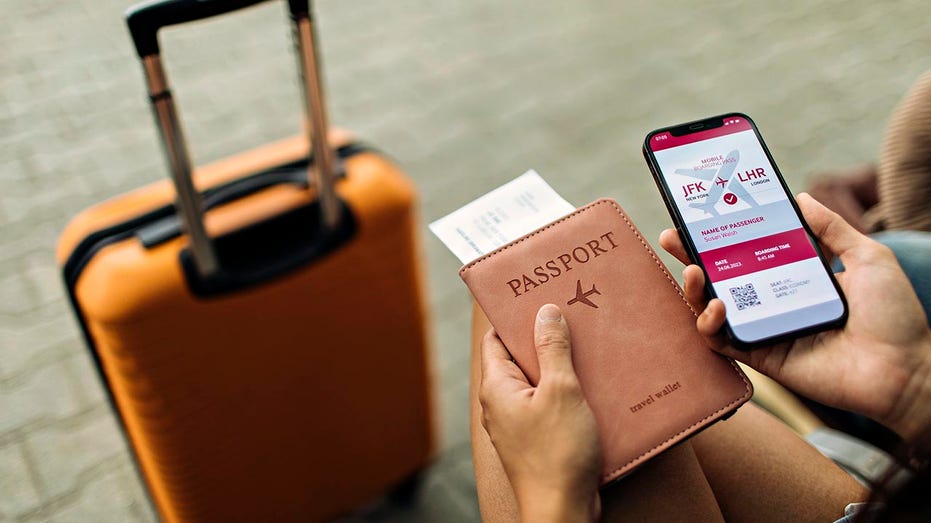
Anyone who travels a lot knows the moment. You reach the TSA line, your bag slides off your shoulder, your boarding pass is somewhere on your phone and your passport somehow sinks to the bottom of your carry-on. Samsung wants to make that routine less annoying.
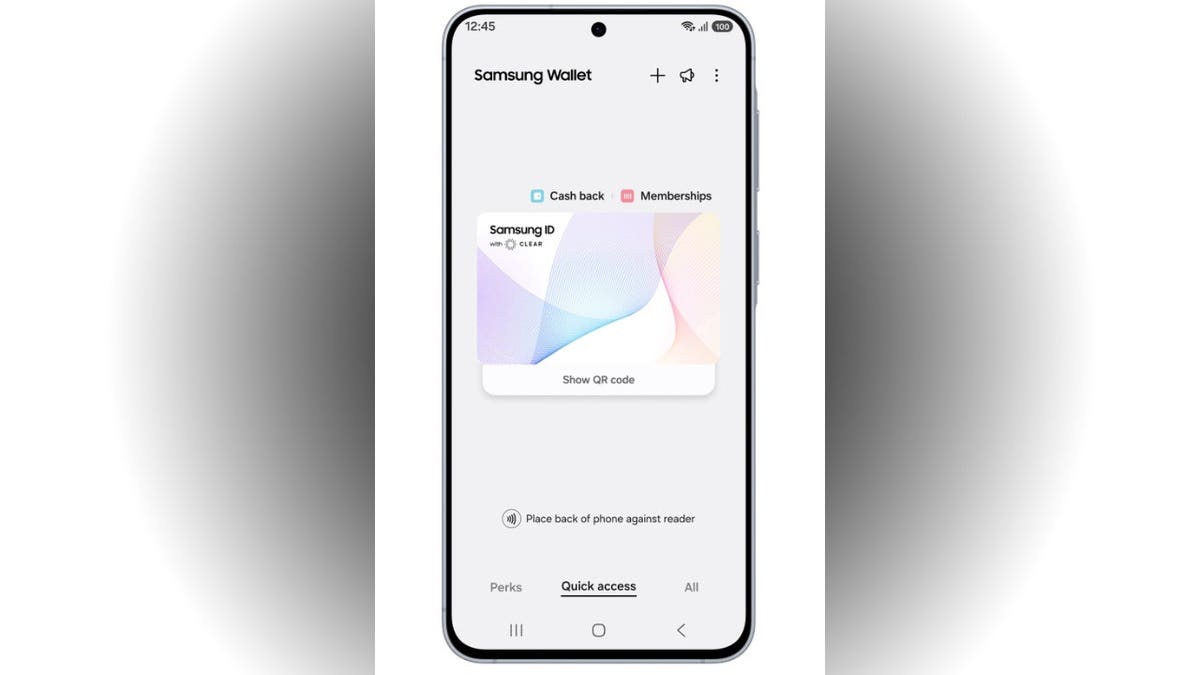
The company has partnered with CLEAR to launch Samsung ID with CLEAR, a free digital ID inside Samsung Wallet. It uses information from a U.S. passport and lets eligible Galaxy users verify their identity at more than 250 TSA checkpoints that support digital IDs.
That sounds incredibly convenient. Still, this new feature also raises a bigger question. How much of your identity should live inside one app on your phone?
If you use an iPhone, we break down Apple’s version here.
GOOGLE CHROME AUTOFILL NOW HANDLES IDS
Join CyberGuy Live: Lock Down Your Phone in 30 Minutes (Saturday, June 13, 10 am ET)
- Your phone holds your email, passwords, photos, banking apps and personal data. In this free, live online class, Kurt the CyberGuy will walk you step by step through simple phone security fixes you can do in real time. You’ll learn how to improve your privacy settings, spot the latest phone scams, use trusted security tools and walk away with a simple checklist to stay protected. Register here:CyberGuyLive.com
What is Samsung ID with CLEAR?
Samsung ID with CLEAR is a mobile digital ID stored in Samsung Wallet. It is backed by information from your U.S. passport and verified by CLEAR.
Once approved, you can use it at supported TSA checkpoints by presenting your phone instead of digging out your physical ID. Samsung says travelers can present the ID with a tap or QR scan.
That could make a real difference when you are juggling a carry-on, laptop bag, coffee and impatient travelers behind you.
Woncheol Chai, EVP and Head of Digital Wallet Team, Mobile eXperience Business at Samsung Electronics, said the feature is designed to make airport travel and identity verification “easier and frictionless” for users.
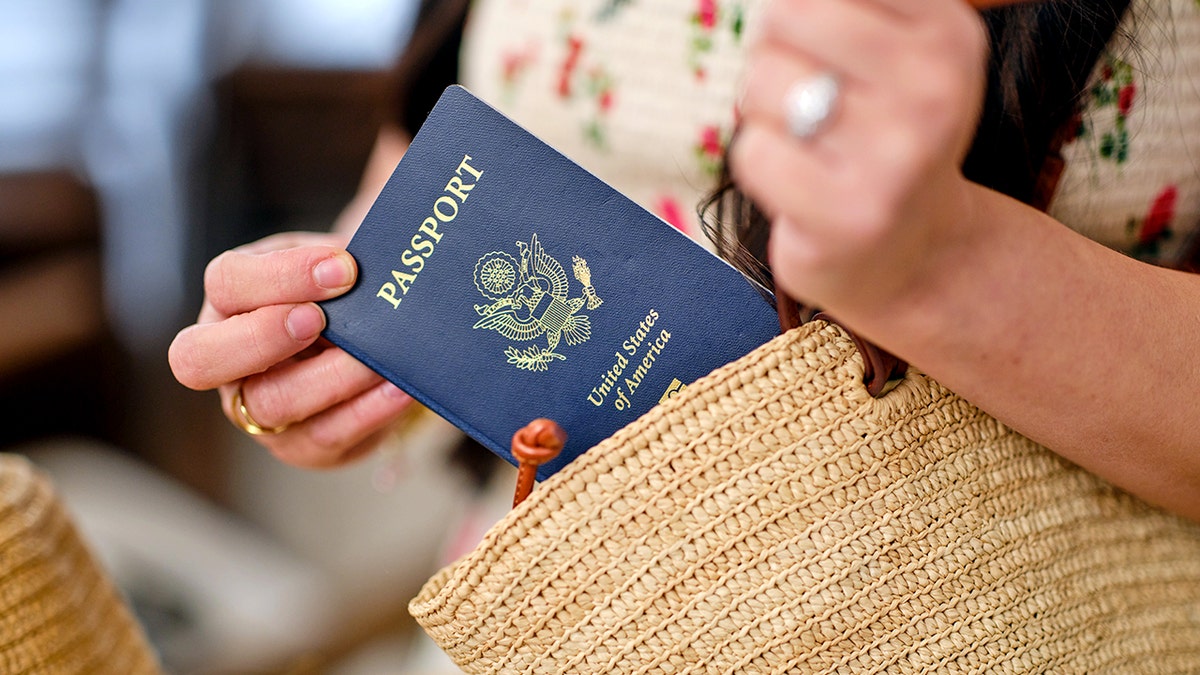
However, this feature does not mean you should leave your passport or REAL ID-compliant document at home. Keep a physical ID with you in case TSA needs it or a checkpoint does not support digital ID verification.
Who can use Samsung ID with CLEAR?
Right now, Samsung ID with CLEAR has a few important limits. Samsung says the feature is available to U.S. passport holders and works only at select TSA checkpoints that support digital ID verification.
Samsung Wallet itself requires a compatible Samsung smartphone, Android 9.0 or higher and a Samsung account. However, availability can still depend on your phone, airport and TSA reader support.
That means you should not assume every TSA lane will accept it. Look for a supported digital ID checkpoint before relying on your Galaxy phone.
1 BILLION IDENTITY RECORDS EXPOSED IN ID VERIFICATION DATA LEAK
Ways to set up Samsung ID with CLEAR
Here’s how Samsung says you can add Samsung ID with CLEAR to Samsung Wallet:
- Open Samsung Wallet
- Go to the Quick Access tab
- Tap the + button
- Select Digital IDs
- Choose Samsung ID with CLEAR
- Tap Get Card
- Follow the on-screen prompts
CLEAR verifies U.S. passports added to Samsung Wallet, then Samsung Wallet stores the digital ID on your phone.
How Samsung ID with CLEAR works at TSA
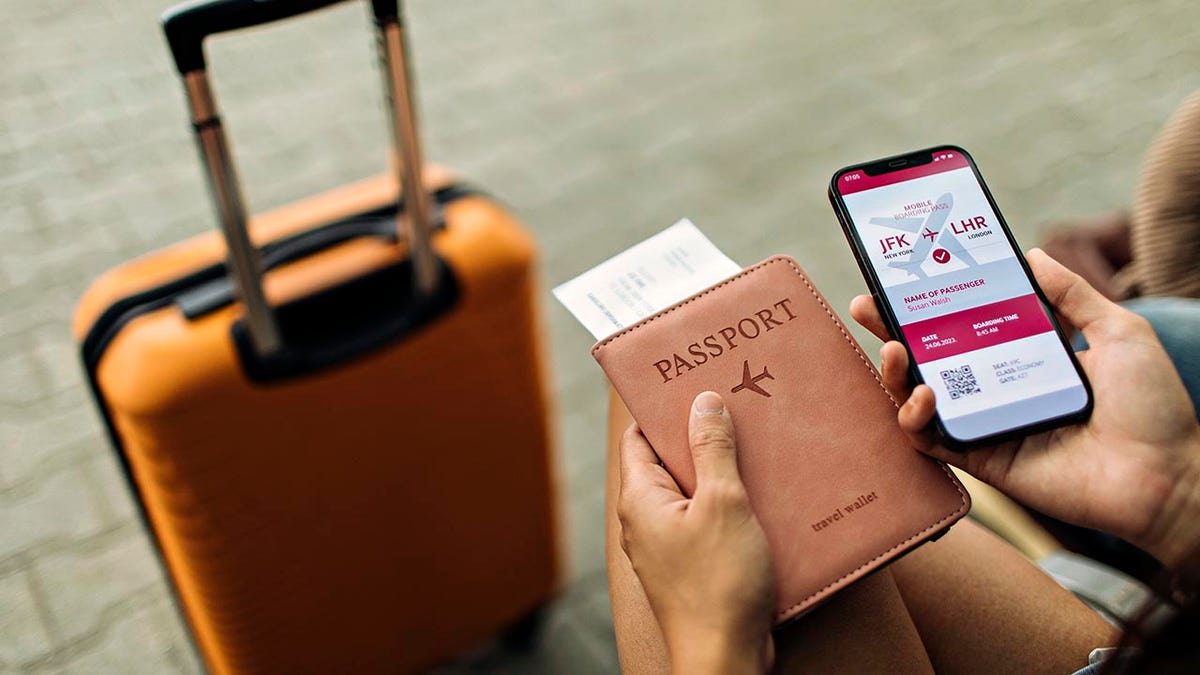
Once your Samsung ID with CLEAR is approved, you can use it at supported TSA checkpoints. Samsung and CLEAR say travelers can present the ID with a tap or QR scan.
That means you may be able to keep your physical passport in your bag while moving through airport security. Still, Samsung notes the feature only works at select TSA checkpoints with compatible TSA reader machines. A boarding pass may also still be required for ID verification at the checkpoint.
So, the smart move is simple. Use the phone for convenience, but keep your backup ID close.
BIOMETRIC IRIS SCANNING LAUNCHES IN US CITIES FOR DIGITAL IDENTITY
Where else Samsung ID with CLEAR can be used
Samsung says Samsung Wallet now supports passports, travel, age 21+ checks and other government use cases through this CLEAR integration. The company also says Samsung ID with CLEAR can be used at select sporting arenas, including BMO Stadium in Los Angeles.
Samsung isn’t the only tech company moving in this direction. Apple Wallet and Google Wallet also support passport-based digital IDs for domestic TSA checks at select airports. The difference here is that Samsung’s version uses CLEAR for identity verification and places the credential inside Samsung Wallet.
That could make venue entry and age checks faster. Instead of handing over your driver’s license or passport, you may be able to verify from your phone.
This is where the bigger digital wallet race gets interesting. Your phone already stores payment cards, tickets, boarding passes, keys and loyalty cards. Now identity is becoming part of that same experience.
Is Samsung ID with CLEAR secure?
Samsung says Samsung ID with CLEAR requires fingerprint or PIN access. The company also says Samsung Knox helps secure the digital ID on Galaxy devices and that ID information is encrypted directly on the device.
That should give users some confidence. However, convenience always comes with tradeoffs.
A digital ID can reduce how often you pull out your passport. It can also lower the odds of leaving your ID behind at a checkpoint, bar or stadium counter.
At the same time, your phone becomes even more important. If it gets lost, damaged, locked or drained, you need another way to prove who you are.
How to use Samsung ID with CLEAR more safely
Settings may vary depending on your Android phone’s manufacturer
Before adding your passport to Samsung Wallet, update your phone and Samsung Wallet app. On your Galaxy phone, go to Settings → Software update → Download and install. To update Samsung Wallet, open the Galaxy Store or Google Play Store → search Samsung Wallet → tap Update if one is available.
Also, make sure your Samsung account has strong protection. Go to Settings → tap your Samsung account name at the top → Security and privacy → Two-step verification and make sure it is turned on.
Use fingerprint authentication or a secure PIN. To check this, go to Settings → Security and privacy → Lock screen → Screen lock type, then choose a stronger unlock method. Avoid obvious PINs like birthdays, repeated numbers or your street address.
11 EASY WAYS TO PROTECT YOUR ONLINE PRIVACY IN 2025
You should also keep your physical passport or REAL ID-compliant document in a safe pocket of your bag. That gives you a fallback if a TSA reader is unavailable or your phone fails.
Finally, review what you store in Samsung Wallet. Open Samsung Wallet → tap All → review your cards, passes, IDs and keys. Digital wallets can be useful, but they should not become a messy drawer for every credential you own.
Kurt’s key takeaways
Samsung ID with CLEAR could make travel feel a little less frustrating. For frequent flyers, the appeal is obvious. Your phone is already in your hand, your bag is probably full and the TSA line rarely feels like the place to start searching for documents. Still, this is about more than airport convenience. The more your phone becomes your wallet, key ring, boarding pass and ID holder, the more you need to protect it like the center of your digital life. Digital IDs may soon feel normal. For now, Samsung ID with CLEAR looks useful, but your physical passport still deserves a safe spot in your bag.
Would you trust your phone enough to use it as your main ID at the airport, or does that feel like giving one device too much control over your life? Let us know by writing to us at Cyberguy.com
CLICK HERE TO DOWNLOAD THE FOX NEWS APP
Sign up for my FREE CyberGuy Report
- Get my best tech tips, urgent security alerts and exclusive deals delivered straight to your inbox.
- For simple, real-world ways to spot scams early and stay protected, visit CyberGuy.com – trusted by millions who watch CyberGuy on TV daily.
- Plus, you’ll get instant access to my Ultimate Scam Survival Guide free when you join.
Copyright 2026 CyberGuy.com. All rights reserved.
wp:paragraph
هلدینگ کاسپین استانبول | خرید ملک در ترکیه | صرافی معتبر ایرانی در ترکیه | خرید و فروش طلا در ترکیه | مهاجرت به ترکیه | واردات و صادرات در ترکیه | نیازمندیهای ترکیه | اخبار ترکیه | اخبار جهانی | توریست ایران | خدمات توریستی در ایران | تورهای گردشگری ایران | هلدینگ اول | خدمات کاریابی و فریلنسری و شغل | مرجع اطلاعات ایران (همه چیز در ایران) | کیف پول و خدمات مالی و پرداخت یار | اخبار ایران | تابلو زنده قیمت ارز در ترکیه و استانبول | صرافی آنلاین ترکیه | قیمت طلا و نقره در ترکیه | سرمایه گذاری در ترکیه | جواهرات در ترکیه | نرخ لحظه ای ارزها در استانبول | قیمت دلار امروز در ترکیه | قیمت دلار استانبول امروز | قیمت لحظه ای دلار | اخبار روز ترکیه استانبول | اپلیکیشن ISTEX | اپلیکیشن قیمت لحظه ای دلار و یورو و لیر و ارزها در ترکیه
/wp:paragraph wp:paragraph /wp:paragraph
About the Author